

If you’ve ever taken a photo with your high-end DSLR or mirrorless camera and noticed it’s just a little softer than expected, there might be an invisible culprit at work: shutter shock.
This subtle vibration, caused by moving parts inside your camera, can reduce image sharpness—especially if you’re using a tripod, a telephoto lens, or a high-resolution sensor.
What Is Shutter Shock?
Shutter shock happens when the mechanical parts inside your camera—like the shutter curtain or the mirror—move quickly and cause vibrations. These tiny shakes can shift the camera or sensor just enough to blur your image slightly.

Even with image stabilization, shutter shock can still affect certain shots, especially if:
- You’re shooting at medium shutter speeds (1/30 to 1/125 sec)
- You’re using a long lens
- You’re working on a tripod
- You have a high-resolution sensor (though not always necessary)
Where Does the Vibration Come From?
1. DSLRs: The Mirror Slap
- In DSLR cameras, when you press the shutter:
- The mirror flips up to allow light to hit the sensor.
- Then the shutter curtain opens to begin the exposure.
That mirror movement creates a small internal “kick”—known as mirror slap. On a tripod or at specific shutter speeds, this can slightly blur your image.
2. Mirrorless Cameras: Shutter Vibration Still Exists
You might think mirrorless cameras don’t have this problem—but they still have a mechanical shutter. When that shutter opens and closes, especially at specific speeds, it can shake the camera just enough to affect sharpness.
Real-World Example: Canon R6 Mark II
Let’s say you’re using the Canon EOS R6 Mark II, a fantastic full-frame mirrorless camera with a 24MP sensor and great IBIS (in-body image stabilization). You mount it on a tripod and shoot a still scene with the RF 70-200mm f/2.8 lens at 100mm, using a shutter speed of 1/60 second.
Everything seems perfect—tripod? Check. Great lens? Check. IBIS? On. But when you zoom in later, the image isn’t quite tack-sharp. You might think your focus was off—but it’s actually shutter shock. That mechanical shutter movement at 1/60s created a tiny vibration at just the wrong time.
This shutter speed is right in the “danger zone” where the vibration is most visible—slow enough to be recorded, fast enough not to be averaged out.
When Shutter Shock Matters Most
Shutter shock is especially noticeable when:
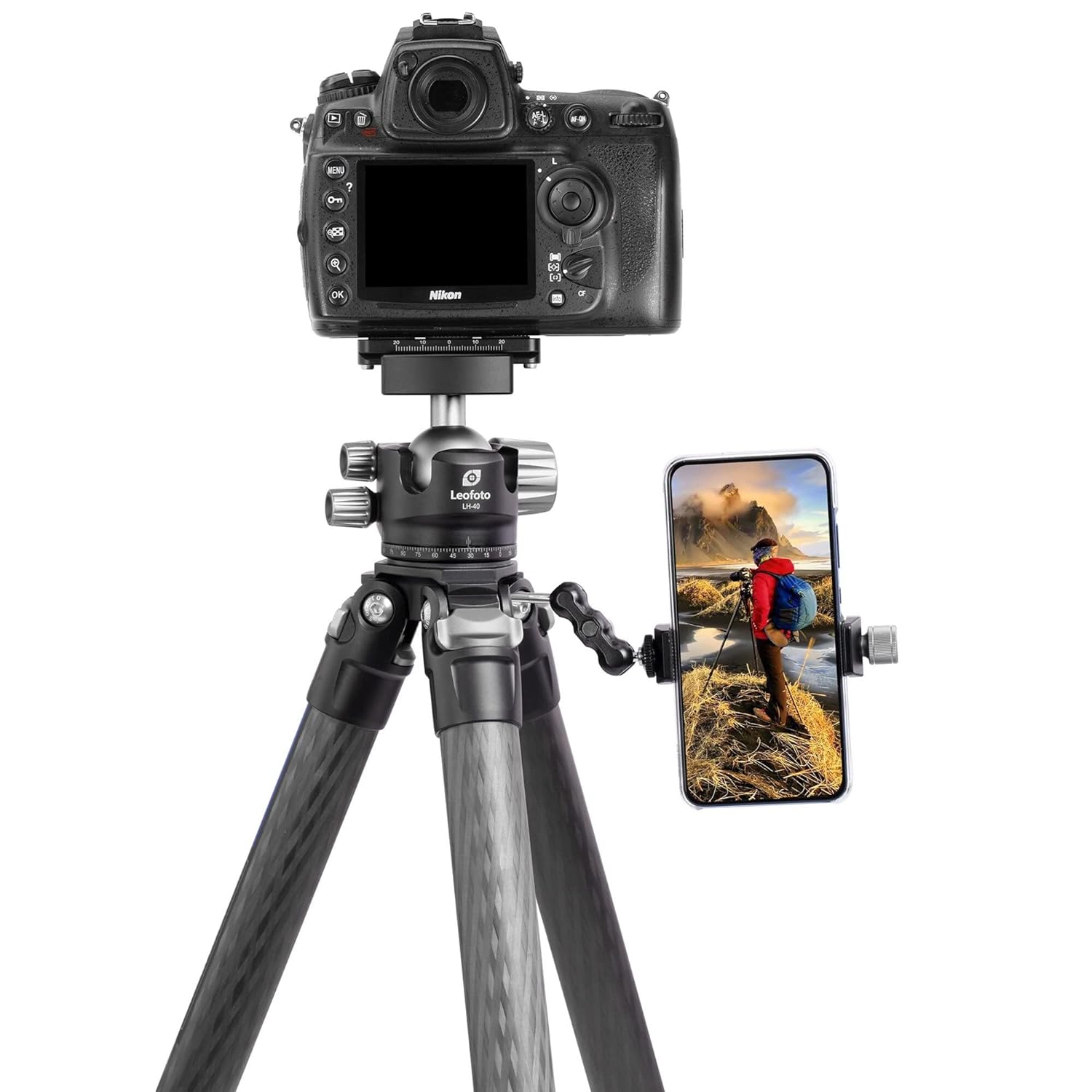
- Using tripods
- Shooting macro or telephoto (where tiny shakes matter more)
- Using medium shutter speeds (around 1/30 to 1/125 sec)
- Shooting with high resolution sensors (but it can affect any sensor)
- You’re trying to get tack-sharp detail
How to Avoid Shutter Shock
Here are simple, practical fixes—especially useful for Canon R6 Mark II users:
Use Electronic First Curtain Shutter (EFCS)
The Canon R6 Mark II supports EFCS, which uses an electronic start to the exposure and a mechanical end, reducing vibration.
Menu –> Shooting Settings –> Shutter Mode –> Choose Electronic 1st Curtain
- Try Full Electronic Shutter
- For absolute silence and no vibration, switch to the electronic shutter.
- Great for static subjects and when you don’t need flash.
- Be cautious with fast motion—it can cause “rolling shutter” effects.
- Avoid Critical Shutter Speeds
If you’re using mechanical shutter, try to shoot either:
- Faster than 1/250s, or
- Slower than 1/10s
These avoid the vibration-prone middle speeds.
- Use a Remote Shutter or Timer
- Even touching the shutter button can introduce slight movement. Use a remote, app, or the 2-second timer.
- Turn Off IBIS on a Tripod (Sometimes)

Canon’s IBIS is smart, but when the camera is totally still (like on a tripod), it might try to “correct” non-existent motion. You can try turning it off for absolute still shots.
Conclusion
Shutter shock might sound like a small technical issue, but it can make a big difference in your final image—especially if you’re going for maximum sharpness. Even a powerful camera like the Canon R6 Mark II can experience it under the right conditions.
So if your image looks slightly soft and you’ve ruled out focus, lens, and motion blur—look at your shutter settings. A small change can lead to sharper results.
Bonus Tip:
Want to test for shutter shock yourself? Take a series of tripod shots at different shutter speeds (e.g. 1/30, 1/60, 1/125, 1/250) and compare sharpness. You might be surprised by what you see.
Canon R6 Mark II Settings Guide to Reduce Shutter Shock & Maximize Sharpness
1. Enable Electronic First Curtain Shutter (EFCS)
EFCS is a great balance between sharpness and usability. It starts the exposure electronically, reducing internal vibrations significantly—especially helpful around 1/30 to 1/125 sec.
How to Turn It On:
- Go to Menu then navigate to Shooting Settings (Red Tab) –> Shutter Mode
- Select Electronic 1st-Curtain
When to use it:
- Tripod shots
- Telephoto/macro work
- Studio work
- General shooting when image quality is critical
2. Use Full Electronic Shutter (Silent Mode) (if subject is not moving)
This eliminates all shutter movement = zero vibration. Perfect for:
- Landscape photography
- Long exposures
- Static scenes
How to Turn It On:
Menu → Shooting Settings→ Shutter Mode → Select Electronic Shutter
Be careful with:
- Fast motion (rolling shutter distortion can occur)
- Artificial lighting (can cause flicker in some lighting environments)
- Avoid the “Vibration Zone” Shutter Speeds
3. Mechanical shutter vibration tends to affect speeds between 1/30 and 1/125 sec.
What to do:
- Use EFCS for those speeds
- Or, shoot faster (e.g., 1/250s+)
- Or, shoot slower (1s or longer, where vibrations average out)
4. Use a Remote, App, or 2-Second Timer
Even pressing the shutter button can cause vibration. Options are as follows:
- Canon Camera Connect app (free on iOS/Android)
- 2-second self-timer (assignable to the shutter button for convenience)
- Canon remote shutter release (wired or wireless)
- Handheld Shooting Tips (IBIS ON)
5. Canon R6 Mark II has excellent 5-axis In-Body Image Stabilization (IBIS).
- Keep it ON when handholding.
Use:
- IBIS + Lens IS (if available) for best stabilization
- Shutter speeds of 1/focal length or faster (e.g., 1/200s for 200mm lens)
Pro tip: For critical handheld work, try burst mode (High-Speed Continuous Shooting) and pick the sharpest frame.
6. Tripod Shooting Tips (IBIS OFF)
When on a solid tripod, turn IBIS OFF to prevent unnecessary corrections that can introduce micro-blur.
How to Do It:
Menu –> IS Settings –> IS Mode –> Turn OFF (IBIS is great handheld, but on a tripod, it can “fight” your camera’s stillness.)
7. Custom Modes for Quick Switching
Save these settings as Custom Modes (C1, C2, C3) on your mode dial.
Example Setup:
|
Mode |
Use Case |
Key settings |
|
C1 |
Tripod / Landscape |
EFCS, IBIS OFF, ISO 100, 2s Timer |
|
C2 |
Silent Studio / Macro |
Electronic Shutter, IBIS ON, Manual Focus |
|
C3 |
Fast Handheld Shooting |
Mechanical Shutter, IBIS ON, Auto ISO |
Bonus: Test Shutter Shock on Your R6 Mark II
- Mount your R6 Mark II on a sturdy tripod
- Use a sharp lens (e.g., RF 50mm f/1.8 or RF 70-200mm)
- Set manual focus and shoot at:
- 1/30s
- 1/60s
- 1/125s
- 1/250s
- 1/500s
8. Compare sharpness at 100% zoom
You’ll likely see that 1/60 or 1/125s with mechanical shutter produces slightly softer images due to shutter shock. Using EFCS solves that.
Best Practices for Sharp Shots on the Canon R6 Mark II:
|
Scenario |
Shutter Mode |
IBIS |
Tips |
|
Tripod (landscape) |
EFCS or Electronic |
OFF |
Use 2-sec timer or remote |
|
Studio / Product |
EFCS or Electronic |
ON or OFF |
Use manual focus, silent shutter if needed |
|
Handheld (general) |
Mechanical or EFCS |
ON |
Use faster shutter, burst mode if needed |
|
Macro/Telephoto |
EFCS |
ON or OFF |
Focus stacking or high-speed burst |
Frequently Asked Questions (FAQs)
1. What is shutter shock in a camera?
Shutter shock is a vibration caused by the mechanical shutter movement inside a camera. This vibration can slightly shake the camera or sensor during exposure, leading to reduced image sharpness, especially at certain shutter speeds.
2. How does shutter shock affect image sharpness?
Shutter shock creates tiny vibrations while the photo is being captured. These vibrations cause motion blur, which reduces sharpness and makes images look soft even when focus is correct.
3. At what shutter speeds does shutter shock happen most?
Shutter shock is most noticeable at mid-range shutter speeds like 1/60 to 1/200 seconds, because the exposure lasts long enough to capture vibration but fast enough that stabilization may not fully correct it.
4. Does shutter shock the same as camera shake?
No. Camera shake is usually caused by hand movement, while shutter shock is caused by internal mechanical vibrations from the shutter mechanism, even when the camera is on a tripod.
5. Can shutter shock happen on a tripod?
Yes. Even on a tripod, shutter shock can occur because the vibration comes from inside the camera. Lightweight tripods or unstable surfaces can make the blur worse.
6. Which cameras are more prone to shutter shock?
Mirrorless cameras and some DSLR models can be more prone to shutter shock, especially those with lightweight bodies, high-resolution sensors, or strong shutter mechanisms.
7. How can I reduce shutter shock in photography?
You can reduce shutter shock by using:
- A heavier tripod setup
- Electronic Front Curtain Shutter (EFCS)
- Fully electronic shutter mode
- Remote shutter release
- 2-second timer
8. Does electronic shutter completely remove shutter shock?
Yes, in most cases electronic shutter removes shutter shock because no mechanical shutter movement happens. However, electronic shutter may introduce rolling shutter issues in fast-moving scenes.
9. What is Electronic Front Curtain Shutter (EFCS) and how does it help?
EFCS is a hybrid shutter mode where the exposure starts electronically and ends mechanically. This reduces vibration compared to a full mechanical shutter, improving sharpness.
10. How do I know if shutter shock is causing blurry photos?
If your photos are blurry even on a tripod, at specific shutter speeds, and your focus is correct, shutter shock is likely the cause. Testing different shutter speeds can confirm it.
11. Does image stabilization (IBIS or lens IS) fix shutter shock?
Sometimes, but not always. IBIS and lens stabilization help reduce vibration, but shutter shock can still affect sharpness at certain shutter speeds.
12. Does shutter shock a problem in long exposure photography?
Usually no. In long exposures (like 1 second or more), the vibration happens only at the beginning and becomes insignificant compared to the full exposure duration.
13. Is shutter shock common in macro photography?
Yes. Macro photography magnifies tiny movements, so shutter shock becomes more visible and can easily reduce sharpness, especially when using a tripod.
14. Does shutter shock affect telephoto lens photography?
Yes. Telephoto lenses magnify vibrations, so shutter shock can cause noticeable blur, especially at medium shutter speeds and long focal lengths.
15. What is the best shutter mode to avoid shutter shock?
The best modes are:
- EFCS (best balance for most photography)
- Electronic shutter (best for static subjects)
16. Can shutter shock affect high-resolution cameras more?
Yes. High-resolution sensors capture finer details, so even small vibrations become more noticeable and cause sharpness loss.
17. Should I use silent shutter mode to prevent shutter shock?
Yes. Silent shutter mode usually uses an electronic shutter, which eliminates mechanical vibration and reduces blur caused by shutter shock.
18. What is the best shutter speed to avoid shutter shock blur?
Avoid the risky mid-range shutter speeds. If possible:
- Or slower than 1/30
- This depends on camera and lens setup.
- Use faster than 1/250
19. Does shutter shock happen in smartphone cameras?
No. Smartphones don’t use mechanical shutters, so shutter shock is not an issue. Their blur is usually caused by handshake or motion blur.
20. Can shutter shock cause blur even when autofocus is accurate?
Yes. Shutter shock blur happens during exposure, so even perfectly focused images can appear soft due to vibration.
21. What is the main cause of shutter shock?
The main cause of shutter shock is mechanical shutter movement that creates internal vibration, which can slightly shake the camera during exposure and reduce image sharpness.


I do agree