
Photography has evolved a lot in the last decade. Earlier, photographers depended only on cameras and manual editing. Today, AI tools for photographers help with image creation, editing, background removal, and creative ideas.

Why AI Photography Tools Became Popular
AI photography tools became popular because they solve real problems:
- Editing takes less time
- Photos look more professional
- Creative ideas are easier to explore
- Even beginners can create high-quality images
Example:
A travel photographer can replace dull skies, remove tourists, and enhance colors in minutes using AI.
Nano Banana AI: Origin and Use
History & Origin
Nano Banana (officially Genini 2.5 Flash Image) is a newer AI image tool developed by Google DeepMind, Google’s advanced AI research lab, launched in August 2025. It is lightweight and fast AI image generation platforms. It focuses on simplicity and speed rather than complex controls. The team led by product lead Nicole Brichtova and engineering lead Hansa Srinivasan created it to solve challenges in AI image editing, especially maintaining likeness across edits.
What Nano Banana Does Best
- Quick AI image generation
- Simple photo enhancement
- Beginner-friendly interface
Example
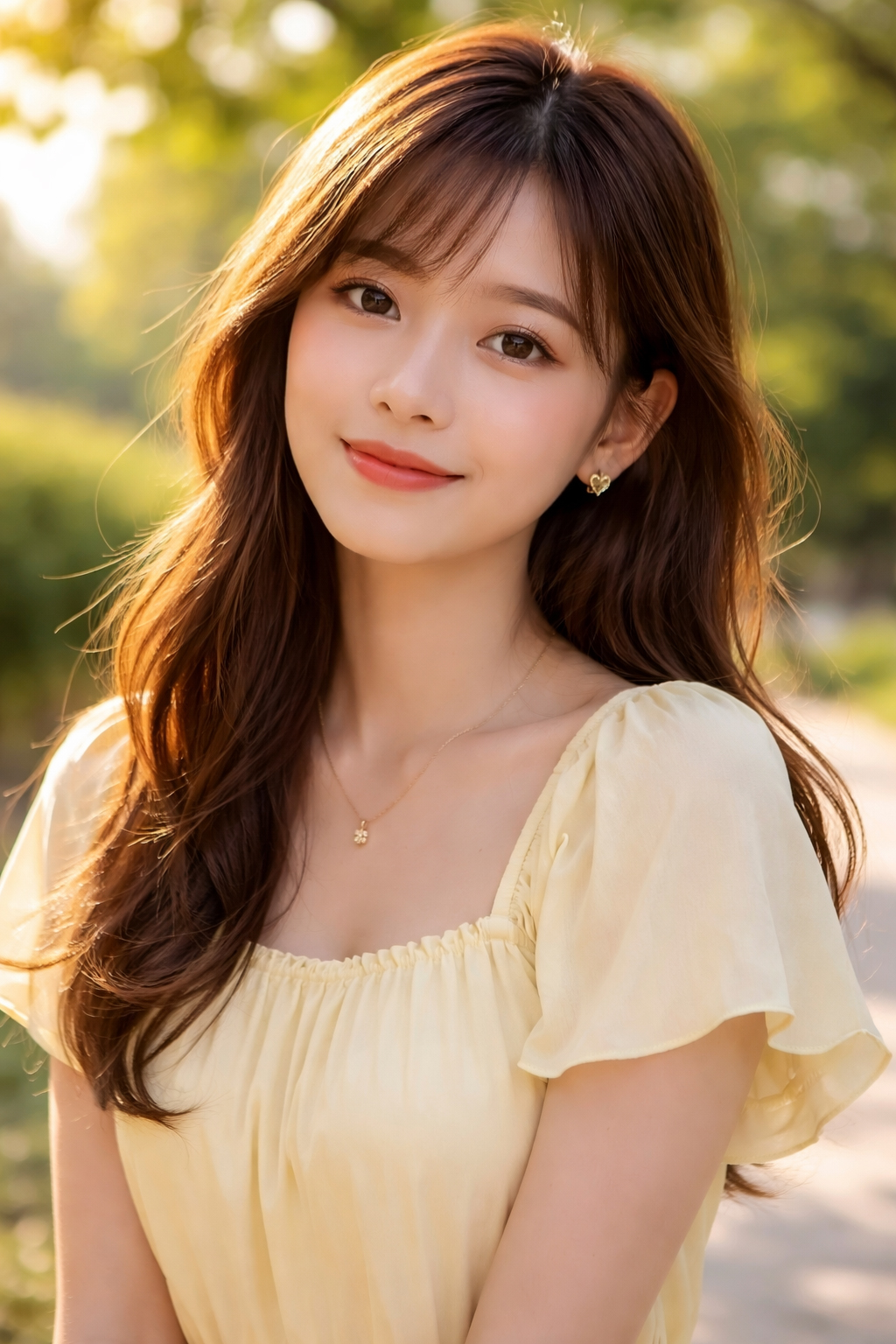
Prompt:
“Bright outdoor portrait with soft sunlight”
Nano Banana generates a clean image suitable for blogs or Instagram.
Best For
- Beginners
- Bloggers
- Social media photographers
Midjourney AI Image Generation Tool
History & Origin
Midjourney was launched in 2022 by an independent research lab called Midjourney, Inc. It became famous for creating artistic and cinematic AI images using Discord commands.
Key Features
- Highly realistic and artistic images
- Advanced prompt control
- Strong community support
Example
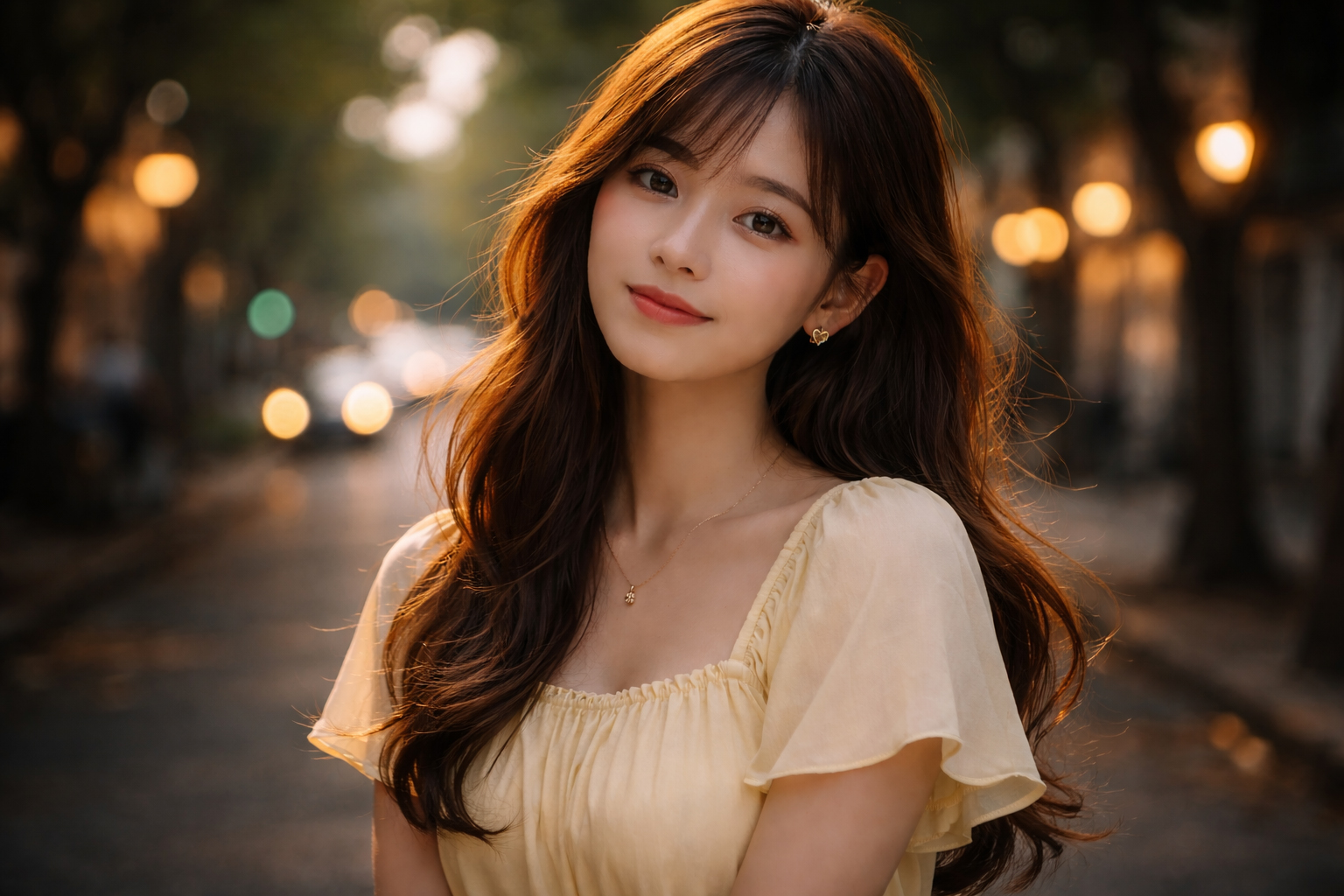
Prompt:
“Cinematic street portrait, moody lighting, 50mm lens look”
Midjourney creates a professional, editorial-style image.
Best For
- Creative photographers
- Concept artists
- Branding and ads
DALL·E AI Tool for Photography
History & Origin
DALL·E was created by OpenAI and released in 2021. It was one of the first tools to popularize AI image generation from text. Later versions added editing and inpainting features.
Key Features
- Easy prompt writing
- Image editing with text instructions
- Fun and creative outputs
Example
You upload a portrait and type:
“Add a blurred city background”
DALL·E edits the image naturally.
Best For
- Content creators
- Marketing visuals
- Creative experiments
Photoshop AI (Adobe Firefly) Features
History & Origin
Adobe Photoshop has been used by photographers since 1990. In 2023, Adobe introduced Firefly AI, bringing AI-powered tools like Generative Fill into Photoshop.
Key Features
- AI object removal
- Background replacement
- Smart retouching
- Professional-quality results
Example
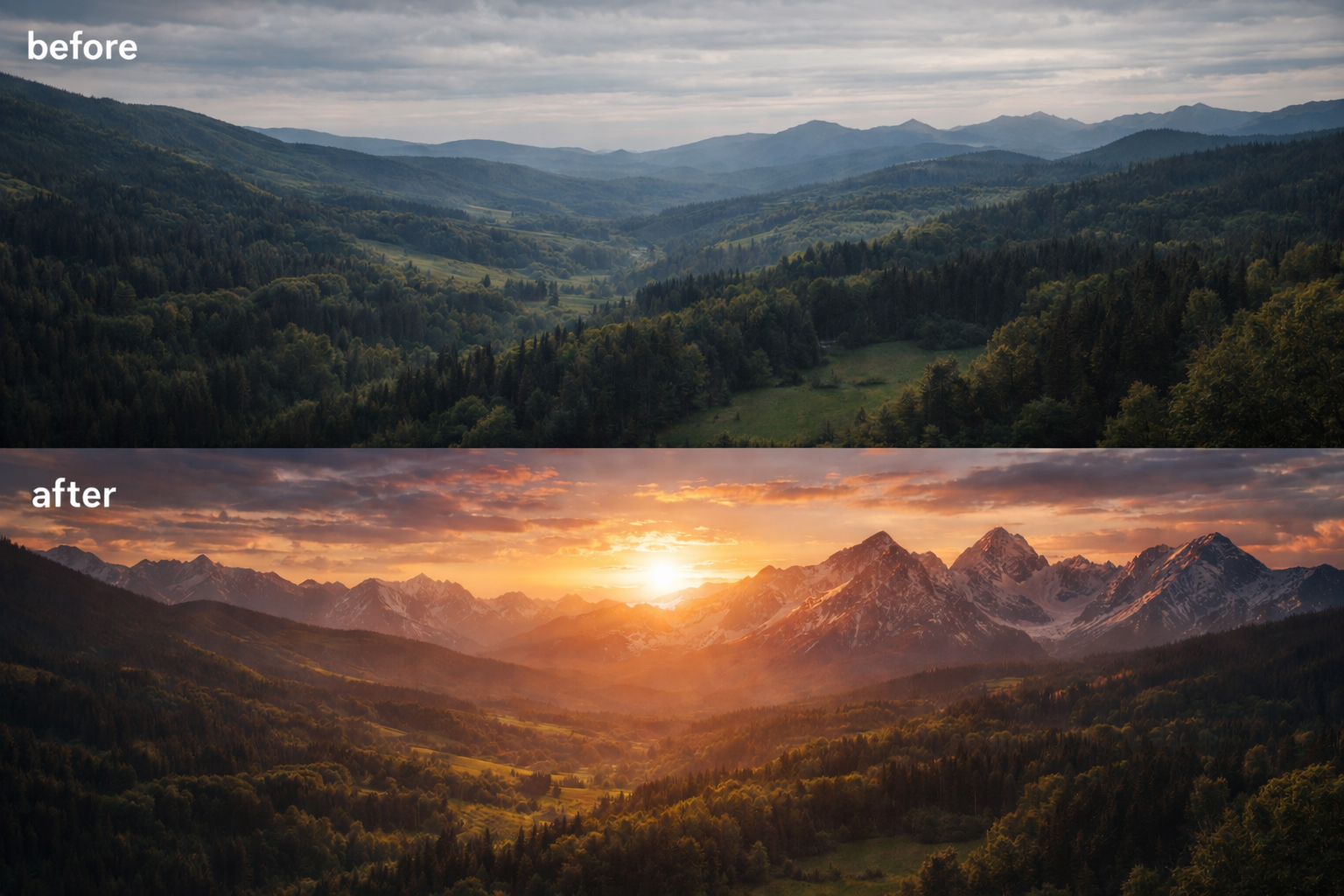
You select an empty area and type:
“Add mountains at sunset”
Photoshop AI blends it perfectly.
Best For
- Professional photographers
- Studio editors
- Commercial photography
Midjourney vs DALL·E vs Photoshop AI
| Tool | Best Use | Skill Level |
|---|---|---|
| Nano Banana | Quick visuals | Beginner |
| Midjourney | Artistic photography | Intermediate |
| DALL·E | Creative editing | Beginner |
| Photoshop AI | Pro photo editing | Advanced |
Best AI Photo Editing Tools: Final Verdict
- Beginners: Nano Banana or DALL·E
- Creative Professionals: Midjourney
- Studio & Commercial Work: Photoshop AI
Using the right AI photo editing software helps photographers work faster and stay competitive.
AI Image Prompts for Nano Banana
(Best for quick visuals & beginners)
Portrait Photography Prompt
Prompt:
Natural light portrait of a young woman, soft sunlight, clean background, realistic skin tones, high clarity, photography style
Use case:
Instagram posts, blogs, profile photos
Lifestyle Photography Prompt
Prompt:
Casual lifestyle photo of a man working on a laptop in a café, warm lighting, modern look, realistic photo

Use case:
Website banners, blog covers
AI Image Prompts for Midjourney
(Best for artistic & cinematic photography)
Cinematic Portrait Prompt
Prompt:
Cinematic portrait of a street photographer, dramatic lighting, shallow depth of field, 85mm lens, ultra-realistic, film look
Use case:
Editorial photos, branding, posters
Fashion Photography Prompt
Prompt:
High-fashion studio portrait, professional model, softbox lighting, luxury magazine style, sharp focus, realistic skin texture
Use case:
Fashion shoots, ads, portfolios
AI Image Prompts for DALL·E
(Best for creative ideas & easy editing)
Background Replacement Prompt
Prompt:
A realistic portrait of a man, replace background with a sunset city skyline, natural lighting, professional photography style
Use case:
Marketing images, social media
Concept Photography Prompt
Prompt:
Creative photo of a photographer standing on a mountain during sunrise, realistic colors, cinematic mood
Use case:
Storytelling visuals, blog headers
AI Image Prompts for Photoshop AI (Generative Fill)
(Best for professional photo editing)
Object Removal Prompt
Prompt:
Remove all people from the background and keep it clean and natural
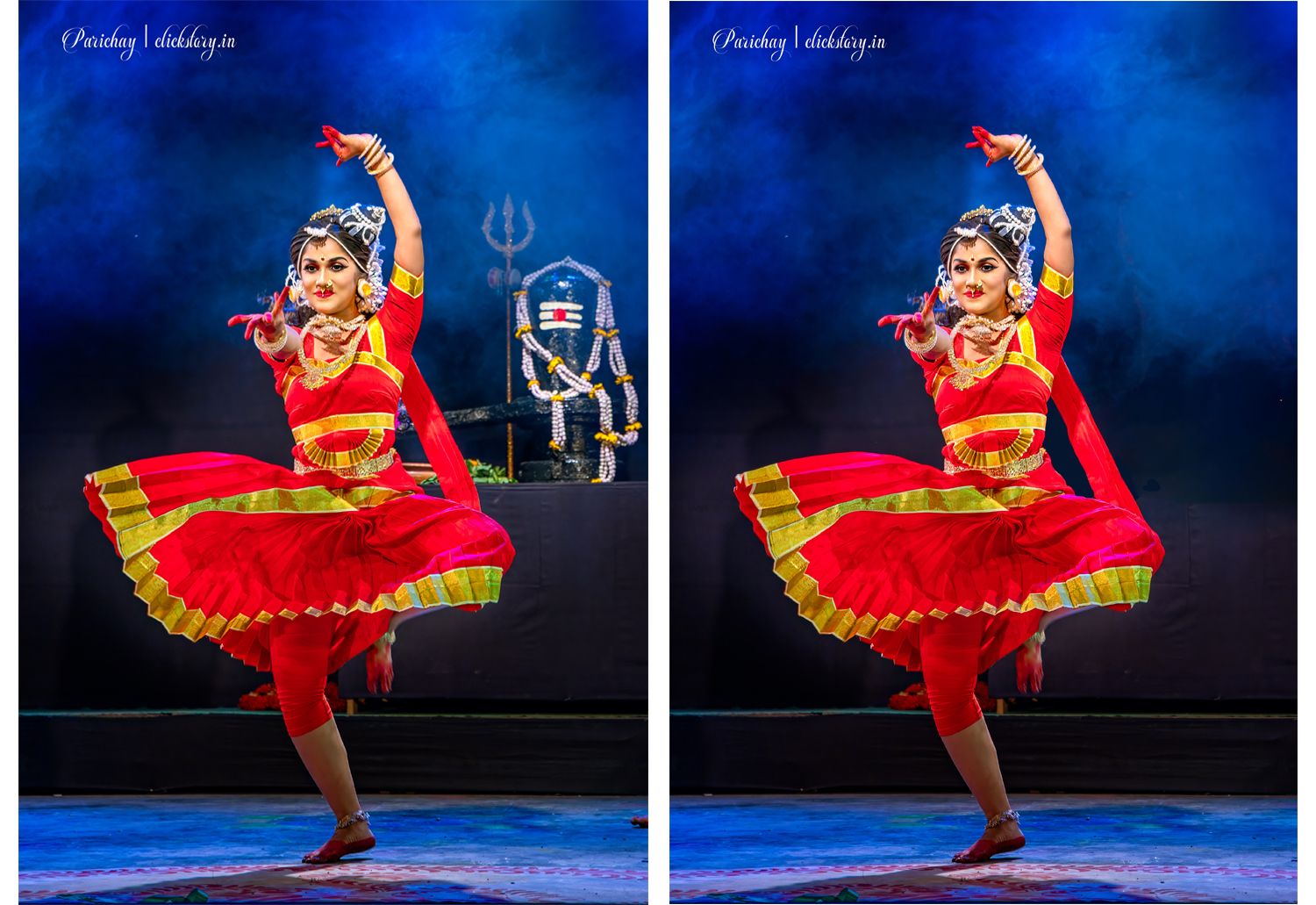
Use case:
Travel, Dance and street photography
Background Extension Prompt
Prompt:
Extend the background with mountains and cloudy sky, realistic lighting, seamless blend
Use case:
Commercial and print photography
Product Photography Prompt
Prompt:
Add a soft studio background with subtle shadows, professional product photography style
Use case:
E-commerce photos
Bonus: Universal Photography Prompt Formula
Use this structure for any AI photography tool:
Subject + Lighting + Camera/Lens Style + Mood + Realism Level
Example:
Portrait of a smiling woman, soft window light, 50mm lens look, warm mood, ultra-realistic photography
Final Tip for Photographers
- Use simple prompts for Nano Banana & DALL·E
- Use detailed prompts for Midjourney
- Use short instructions for Photoshop AI
Conclusion
AI tools are not replacing photographers. They are supporting creativity and saving time. From fast image creation to professional photo editing, these best AI tools for photographers are shaping the future of photography.
Start with one tool, practice regularly, and let AI enhance your skills—not replace them.
Frequently Asked Questions (FAQ)
Q.1. What is the best AI tool for photographers?
Answer:The best tool depends on your skill level. Beginners can use DALL·E or Nano Banana, while professionals prefer Photoshop AI.
Q.2. Is Midjourney better than DALL·E?
Answer: Midjourney is better for artistic and cinematic images, while DALL·E is easier for quick edits and creative ideas.
Q.3. Can AI replace photographers?
Answer: No. AI helps photographers save time and improve creativity but cannot replace human vision and storytelling.
Q.4. Is Photoshop AI worth it?
Answer: Yes, especially for professionals. Photoshop AI offers the most control and high-quality results.
