

AI photography is changing the way we create and imagine images. With the right prompts, you can turn simple ideas into stunning, professional-looking photos in seconds. This guide will help you understand how AI photography prompts work and how to write clear, effective prompts to get the best results—whether you’re a beginner or a creative professional. Photography is changing fast.
Today, photographers are not only using cameras — they are also using AI tools.
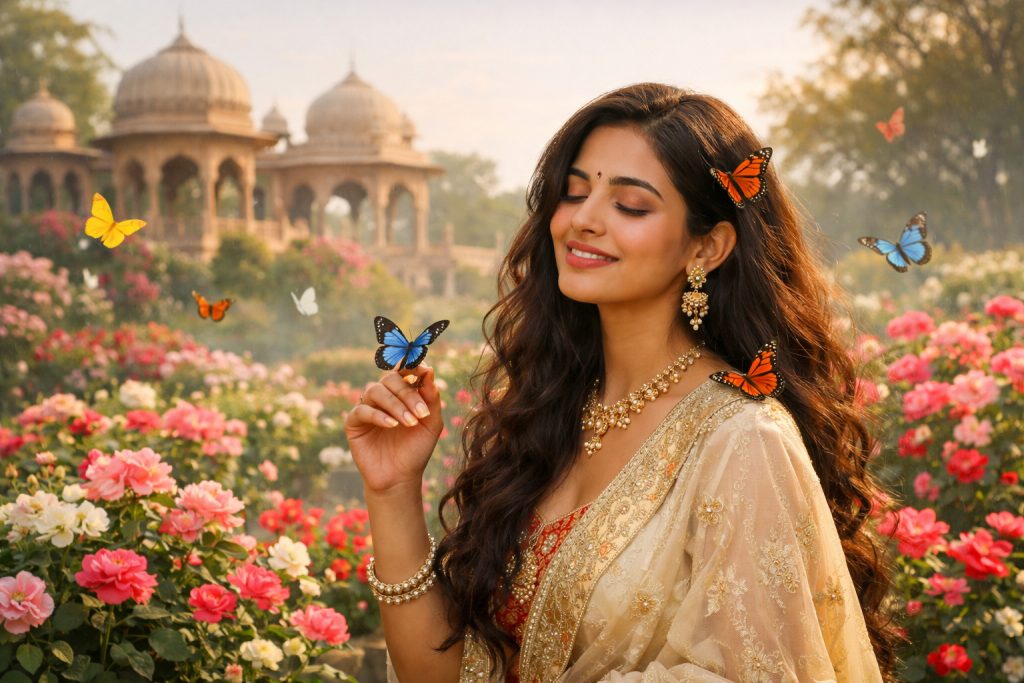
AI-enhanced photography helps you:
- Create unique images
- Save editing time
- Try new creative styles
- Make viral photos for blogs and social media
Tools like Nano Banana, Midjourney, DALL·E, and Photoshop AI are becoming popular because they work with simple text prompts.
What Is AI-Enhanced Photography?
AI-enhanced photography means using artificial intelligence to:
- Improve photos
- Change backgrounds
- Add cinematic lighting
- Create new images from text prompts
You can:
- Upload a photo and enhance it
- Or create an image using only words
This does not replace photographers — it supports creativity.
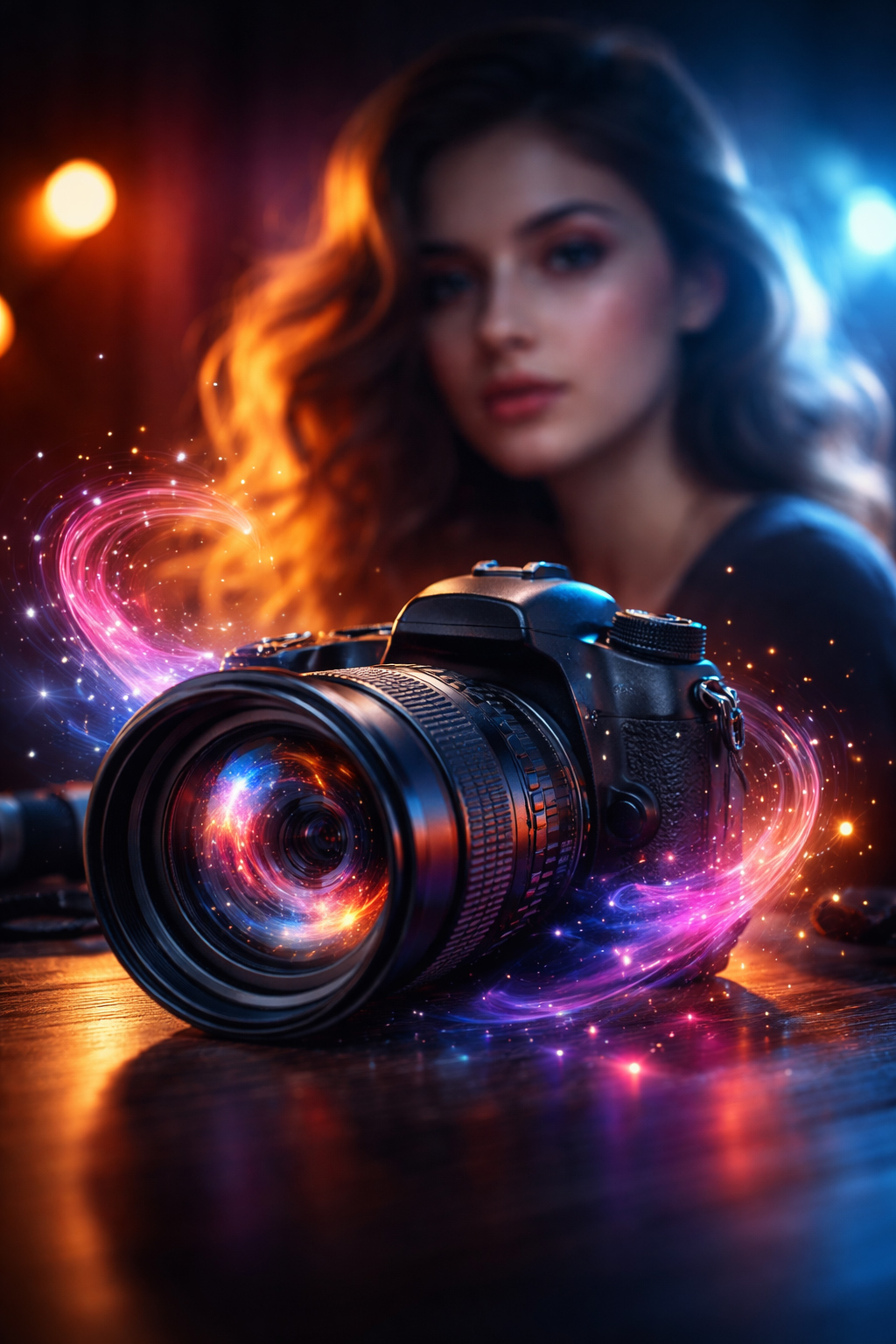
What Are Viral AI Prompts?
A prompt is a short text instruction you give to an AI tool.
Example:
“A cinematic portrait of a street photographer during golden hour, shallow depth of field, realistic lighting”
Good prompts:
- Are clear
- Describe mood, light, style
- Use photography words
These prompts become viral because they create stunning and shareable images.
Popular AI Tools for Photography
1. Nano Banana AI
- Great for artistic and realistic photos
- Easy prompt system
- Trending on social media
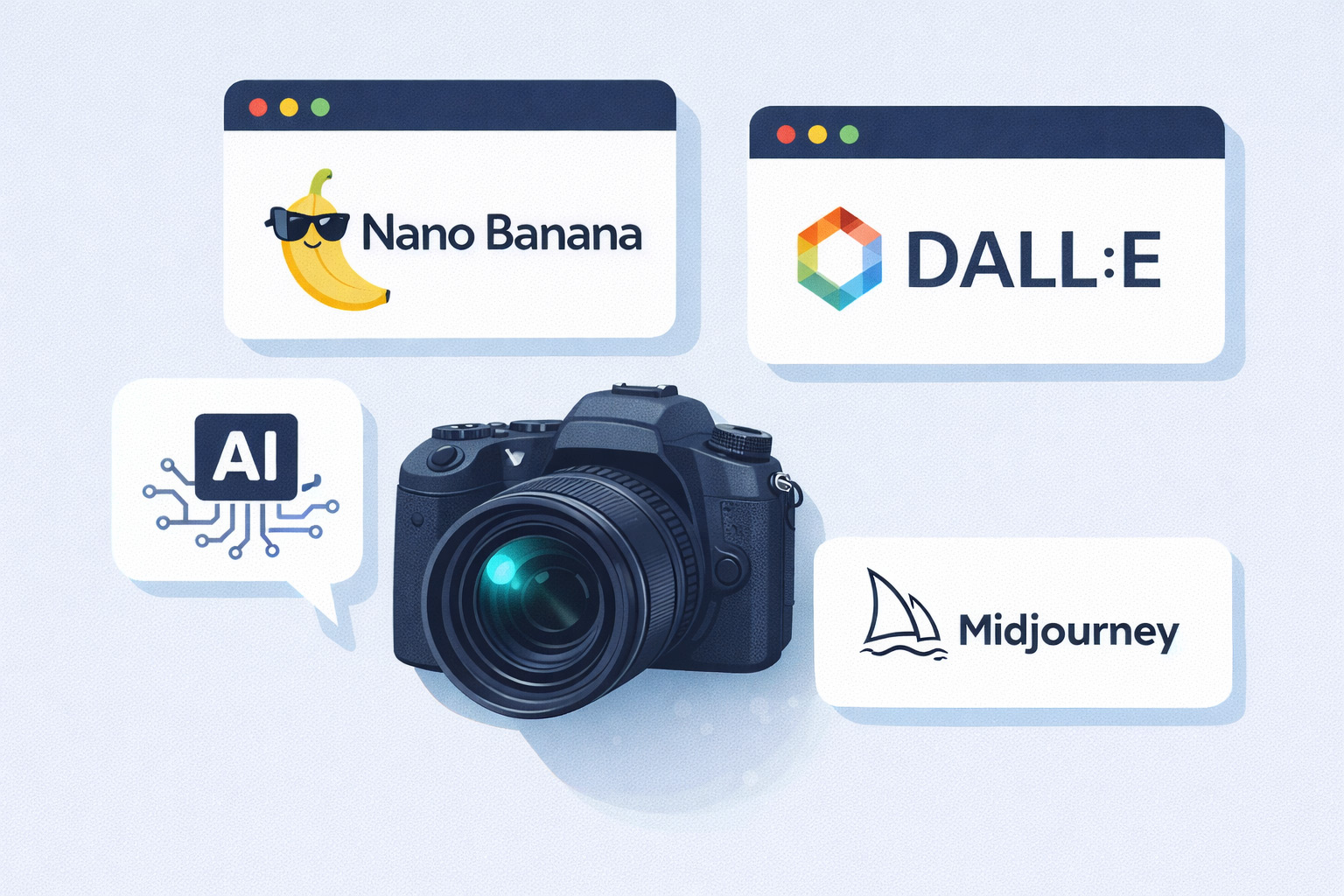
2. Midjourney
- Best for cinematic and creative styles
- Works well with detailed prompts
3. DALL·E
- Simple and beginner-friendly
- Good for blog images
4. Photoshop AI (Generative Fill)
- Best for real photographers
- Enhances existing photos naturally
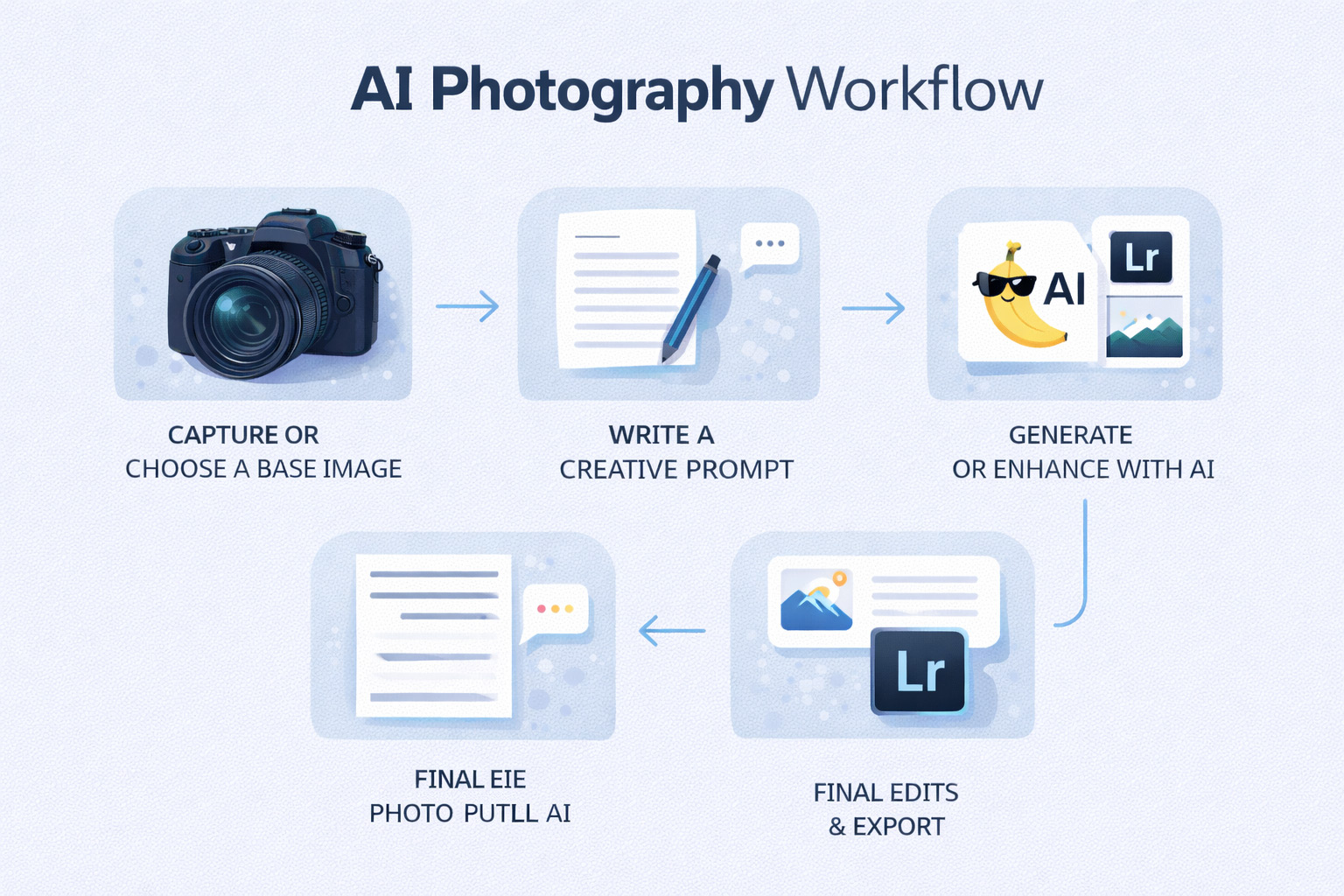
How to Use AI in Your Photography Workflow
Step 1: Capture or Choose a Base Image
Take a photo or select one from your collection.
Step 2: Decide the Purpose
Ask yourself:
- Social media post?
- Blog image?
- Concept art?
- Client preview?
Step 3: Write a Simple Prompt
Use:
- Subject
- Lighting
- Mood
- Style
Example:
“Moody black and white portrait, soft window light, high contrast, professional photography”
Step 4: Generate or Enhance
Upload your photo or generate a new one using the AI tool.
Step 5: Final Touch
Use Lightroom or Photoshop for small corrections.
Ready-to-Use Viral AI Photography Prompts
You can copy–paste these directly into Nano Banana, Midjourney, DALL·E, or any AI image tool.
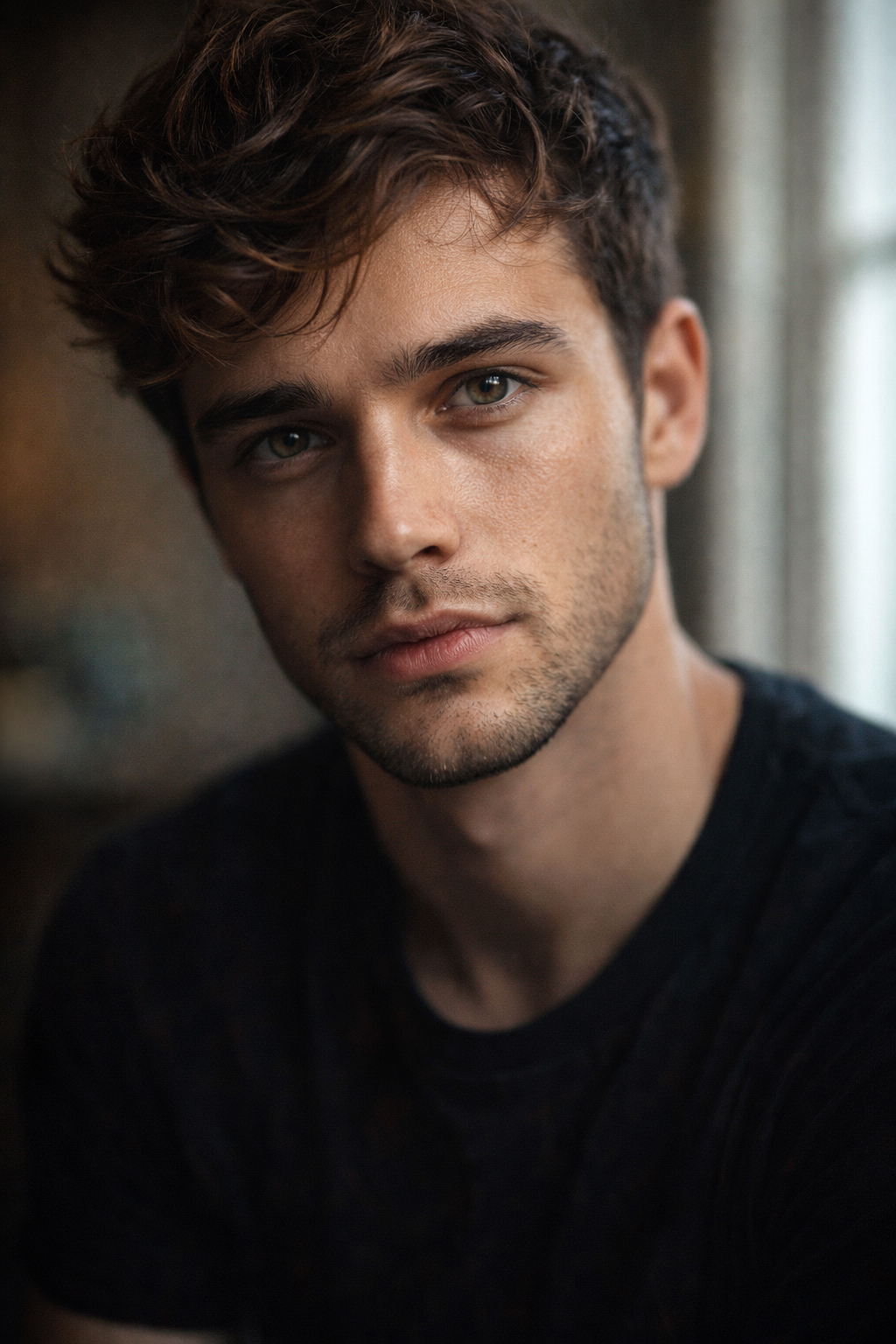
Viral Portrait Prompts
Prompt 1
Ultra-realistic portrait of a young man, soft window light, shallow depth of field, cinematic photography, natural skin texture, 85mm lens look
Prompt 2
Moody black and white portrait, side lighting, emotional expression, professional studio photography, high contrast
Street Photography Prompts
Prompt 3
Rainy city street at night, neon lights reflecting on wet road, candid moment, cinematic street photography, realistic lighting
Prompt 4
Busy market street in India, natural daylight, candid people walking, documentary photography style, authentic emotions
Travel & Landscape Prompts
Prompt 5
Peaceful mountain village at sunrise, soft mist, wide-angle photography, natural colors, realistic landscape photo
Prompt 6
Tropical beach during golden hour, calm waves, cinematic lighting, travel photography style
Product Photography Prompts
Prompt 7
Minimal product photography, white background, soft shadows, professional studio lighting, sharp focus
Prompt 8
Luxury product on dark background, dramatic lighting, premium photography style, high detail
Cinematic & Viral Social Media Prompts
Prompt 9
Cinematic portrait with teal and orange color grading, shallow depth of field, dramatic lighting, movie-style photography
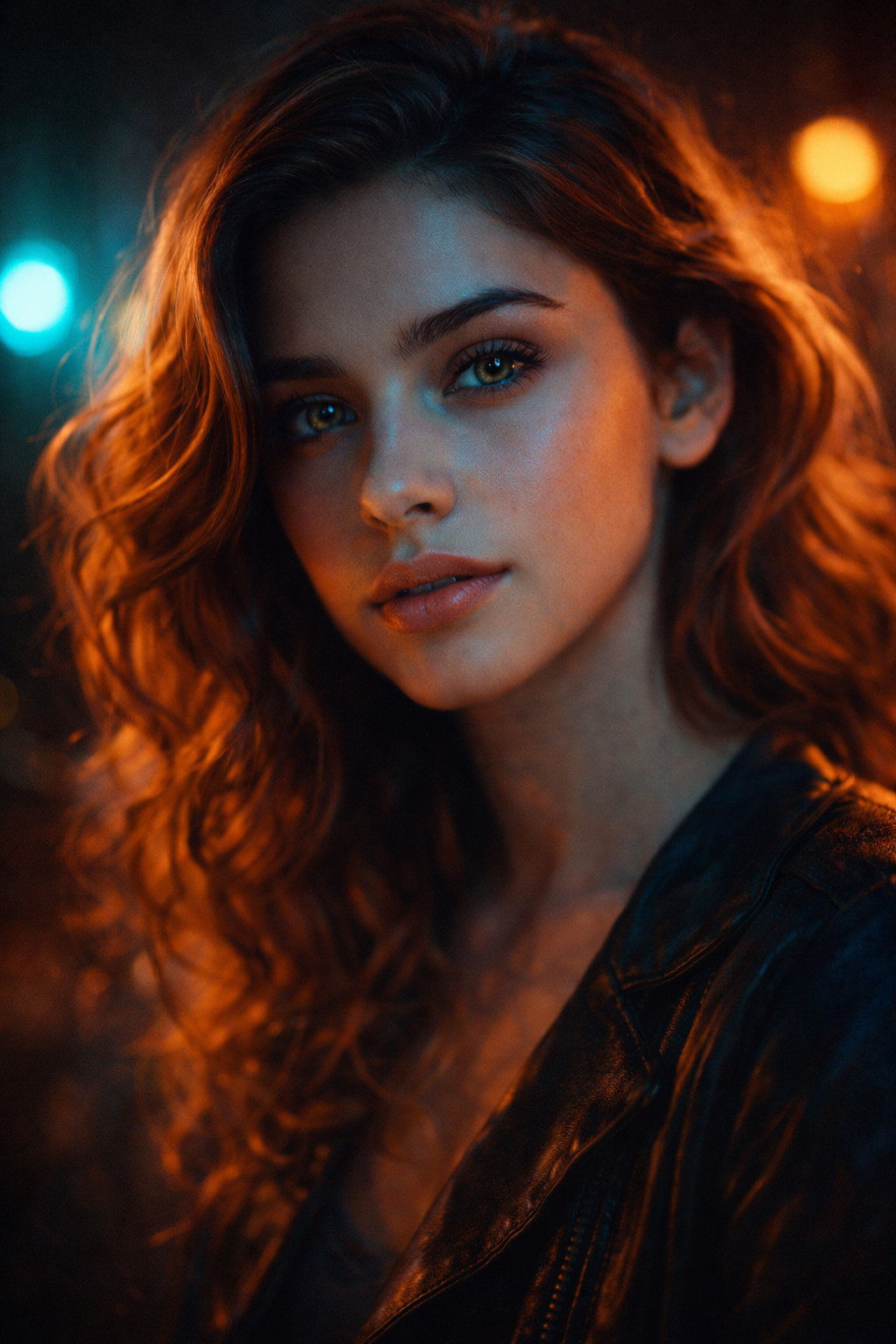
Prompt 10
Vertical Instagram-style photo, cinematic lighting, modern aesthetic, social media ready
Why Photographers Should Use AI
- Saves editing time
- Helps with creative blocks
- Creates blog and social images fast
- Improves client previews
- Boosts online engagement
AI is a tool, not a shortcut.
Common Mistakes to Avoid
- Overusing AI filters
- Ignoring natural lighting rules
- Using AI without creativity
- Copy-pasting prompts blindly
Always add your personal vision.
Practice Assignments (Very Important)
Assignment 1: Prompt Practice
Write 5 prompts using:
- Subject
- Lighting
- Mood
Example format:
Subject + light + mood + style
Assignment 2: Photo Enhancement
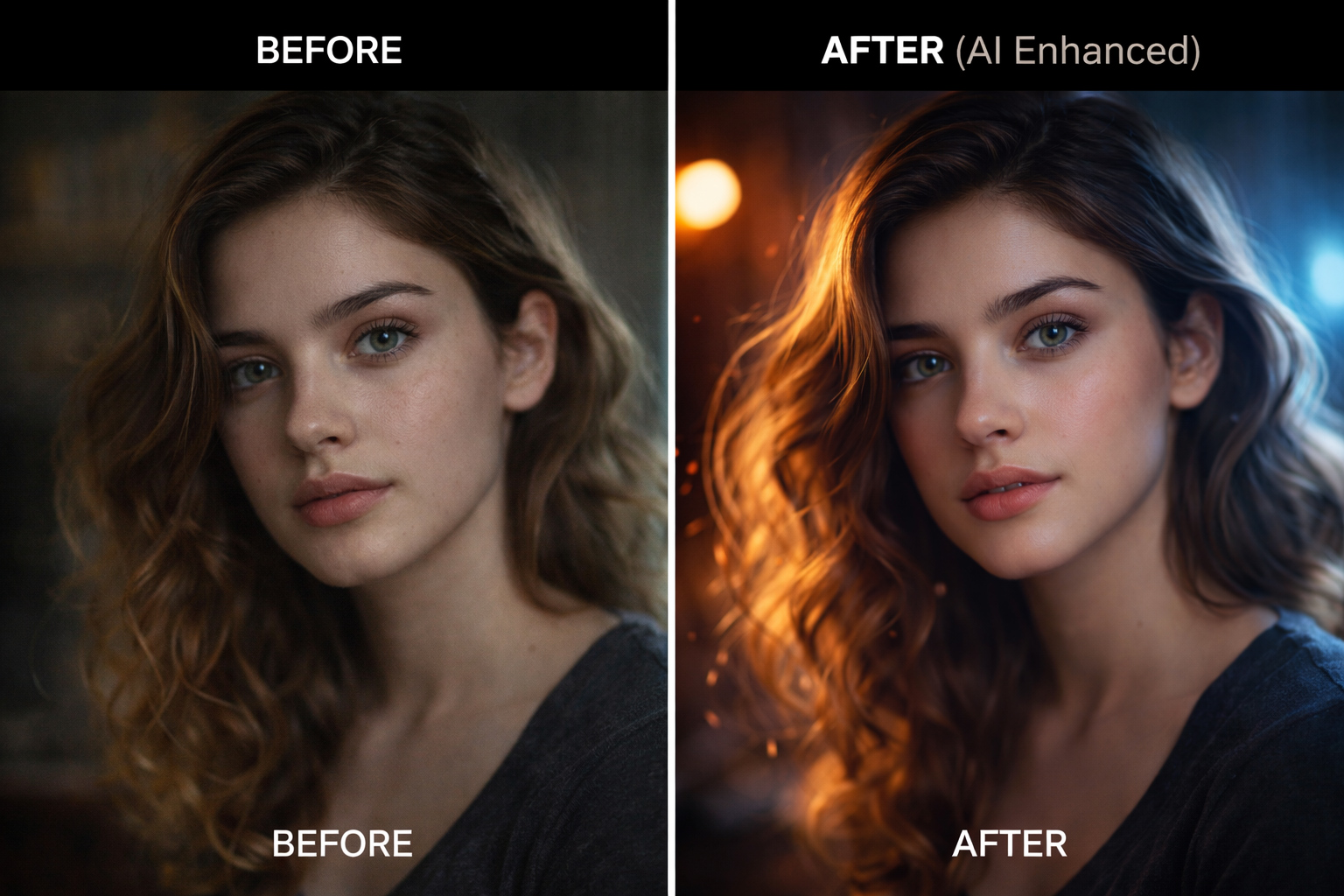
- Take one old photo
- Enhance it using AI
- Compare before and after
Assignment 3: Blog Image Creation
Create:
- featured blog image.
- social media images.
- Using AI prompts.
Final Thoughts
AI-enhanced photography is not the future — it is already here.
If you learn how to:
- Write good prompts
- Use AI wisely
- Mix AI with real photography
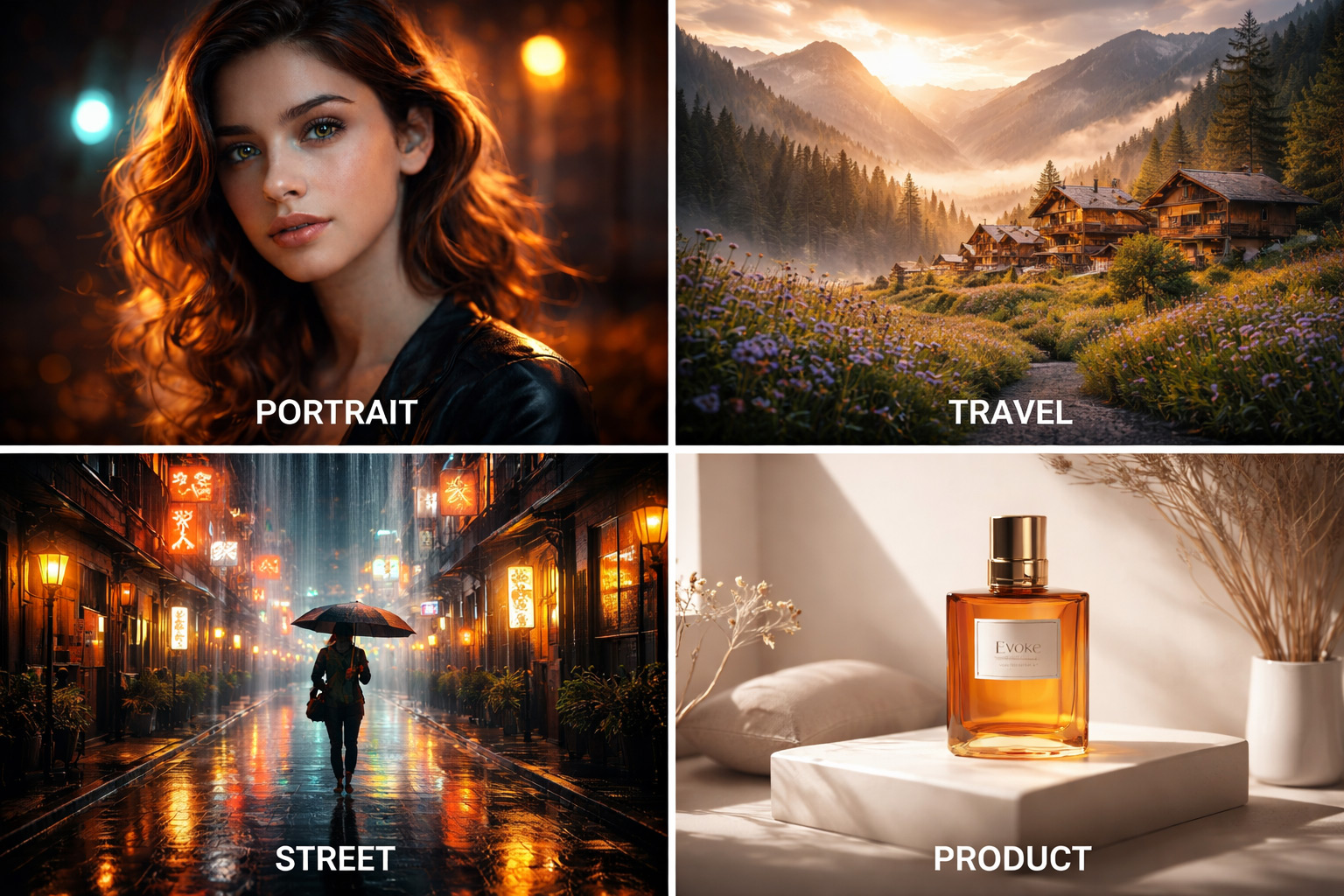
You can create viral, professional, and creative images for blogs and social media.
Start small. Practice daily.
And always keep your human creativity first. I will post a series of posts based on this article. The links are also be available with this main article. Stay in touch.
Frequently Asked Questions (FAQ)
Q.1. Is AI photography cheating?
No. AI is like Photoshop — a creative tool.
Q.2. Can beginners use AI tools?
Yes. Most tools are beginner-friendly.
Q.3. Will AI replace photographers?
No. Creativity, vision, and emotion still need humans.
Q.4. Are AI images good for blogs?
Yes. They improve engagement and visuals.
Q.5. Should professionals use AI?
Yes, especially for previews, ideas, and editing speed.
